


One account, different needs
For pet owners, and pet lovers alike.
Everything you need on one platform.
Emergency Vet
Where is the nearest vet?
Reach nearby vets with one tap and quickly access their contact details and directions.
Call the clinic before visiting.
Pet Support Network
Support until you arrive.
Learn about the Pet Support Network to request help from volunteers near where your pet was last seen if they go missing.
Participation currently requires an invitation and appropriate access.
Explore
Find a place to visit together.
Discover nearby parks and pet-friendly places, and open directions easily.
You can use it without buying a device.
Contact the business before visiting. Place suggestions submitted by members are reviewed by our team.
PatimiBul Store
Find products for your pet.
Discover food, care, and play products matching species, age, size, and verified breed details more easily.
You can use it without buying a device.
Health and allergy notes are not used for matching. Matches are not veterinary advice.
- Turkish app
- GPS tracking
- Emergency Vet
- Pet-friendly places
- Lost pet support
- Easy product selection for your pet

Your questions
Before you start using PatimiBul
Answers to your questions about creating an account, using a device, and finding support when you need it.
Can I use it without a device?
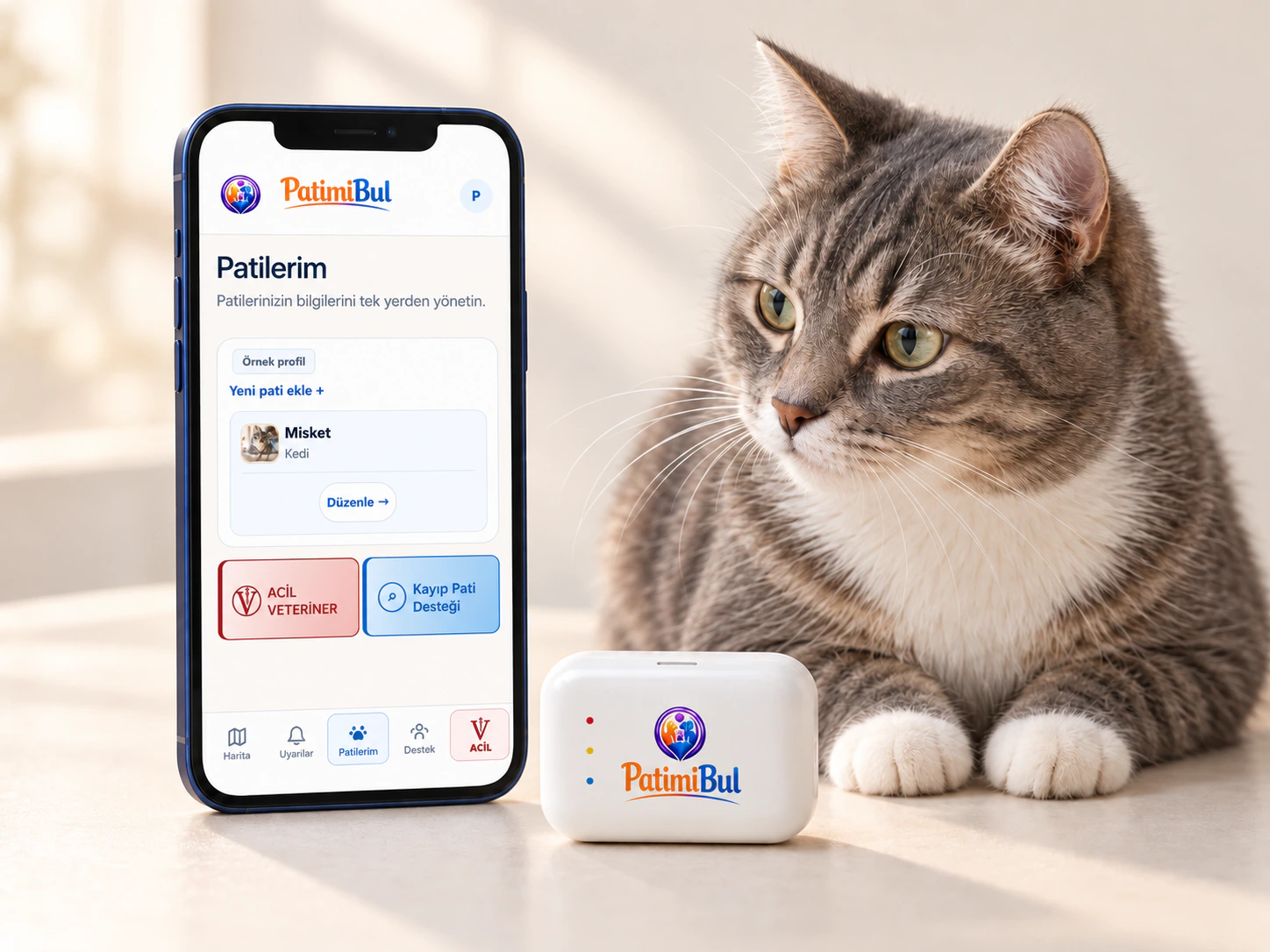
Yes. Your free account lets you use Explore and create a pet profile. Emergency Vet is available without signing in. GPS location, movement history, and other tracking features require a compatible device, pairing, and an active GPS membership.
I don't own a pet. Can I still join?
Yes. You do not need to own a pet. You can access Emergency Vet without signing in, use Explore with a free account and volunteer in the Pet Support Network if you meet the participation requirements.
What is the difference between a free account and GPS membership?
Your free account gives you access to Explore and a pet profile. You can access Emergency Vet without signing in. GPS tracking requires a compatible device, device pairing and an active membership. The device price and tracking membership are separate items.
Is GPS the same as a microchip or Bluetooth tag?
No. Microchips are for identification. Bluetooth tags rely on nearby devices to find a location. A GPS tracker determines location and transmits it through a mobile connection; results are affected by coverage and environmental conditions.
Can I see uninterrupted location updates at all times?
Location freshness depends on the GPS signal, mobile network and device status. The displayed location may be out of date when the connection is lost. Check the last update time.
What does Emergency Vet offer?
Find nearby vets without signing in by using your location or choosing a point on the map. You can review contact details and open directions. Before visiting, call the clinic to confirm that it is open and can help.
How can I find places to visit with my pet?
Explore lets you find nearby parks and pet-friendly places, review place details, and open directions. Map results and records verified by our team are shown separately. Confirm current pet admission rules with the business before visiting.
How does the store select products for my pet?
Products matching species, age, size, and verified breed details are highlighted. The full catalog remains available. Health and allergy notes are not used for product matching. Check product ingredients and your vet’s recommendations.
Can everyone use missing-pet support?
Participation in the Pet Support Network currently requires an invitation and appropriate access. Support is requested from available, verified volunteers near the pet's last-seen area; finding help is not guaranteed.